Development of an application: edition
Tools for the Software Development
Enseignement Informatique
LAL
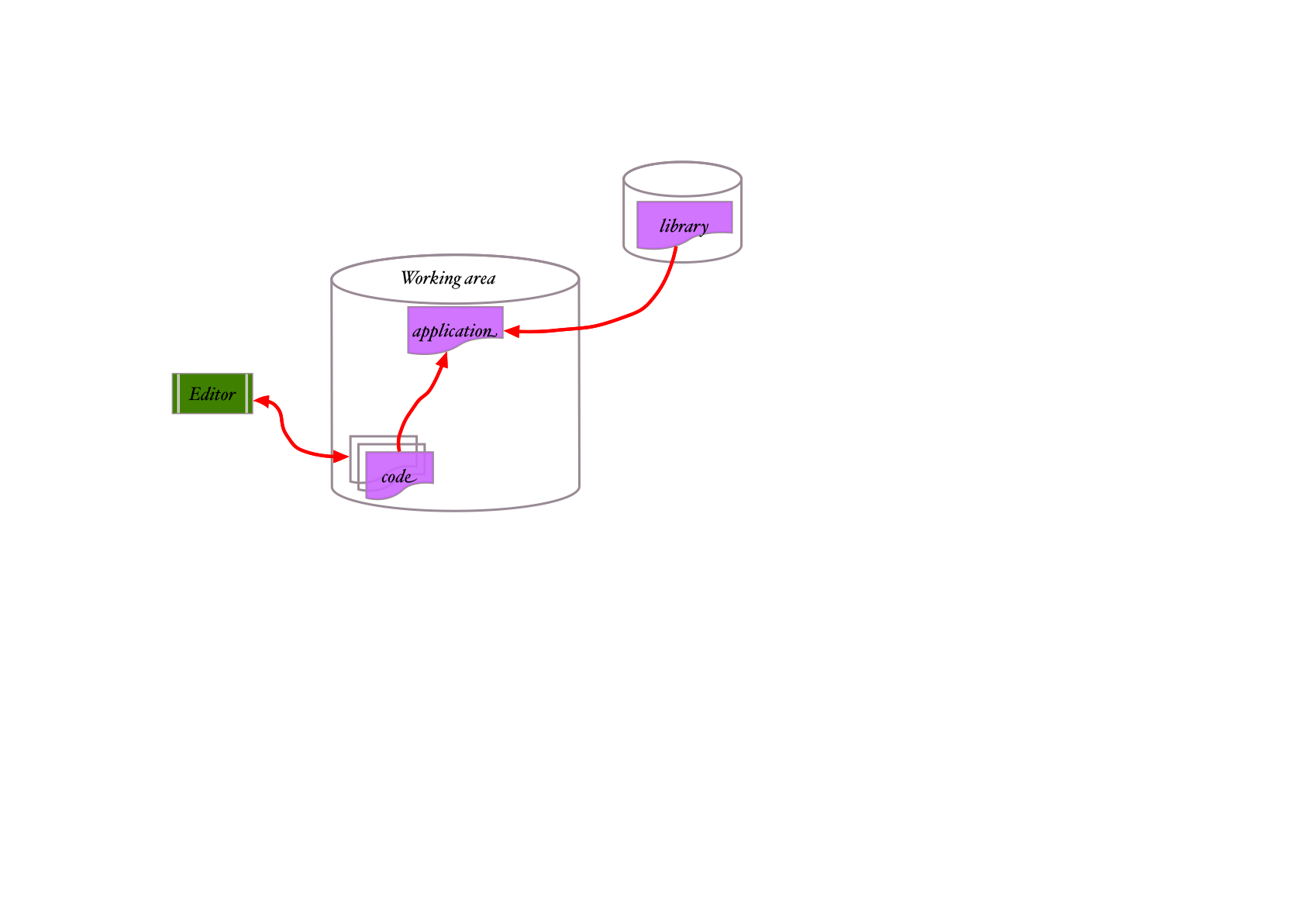
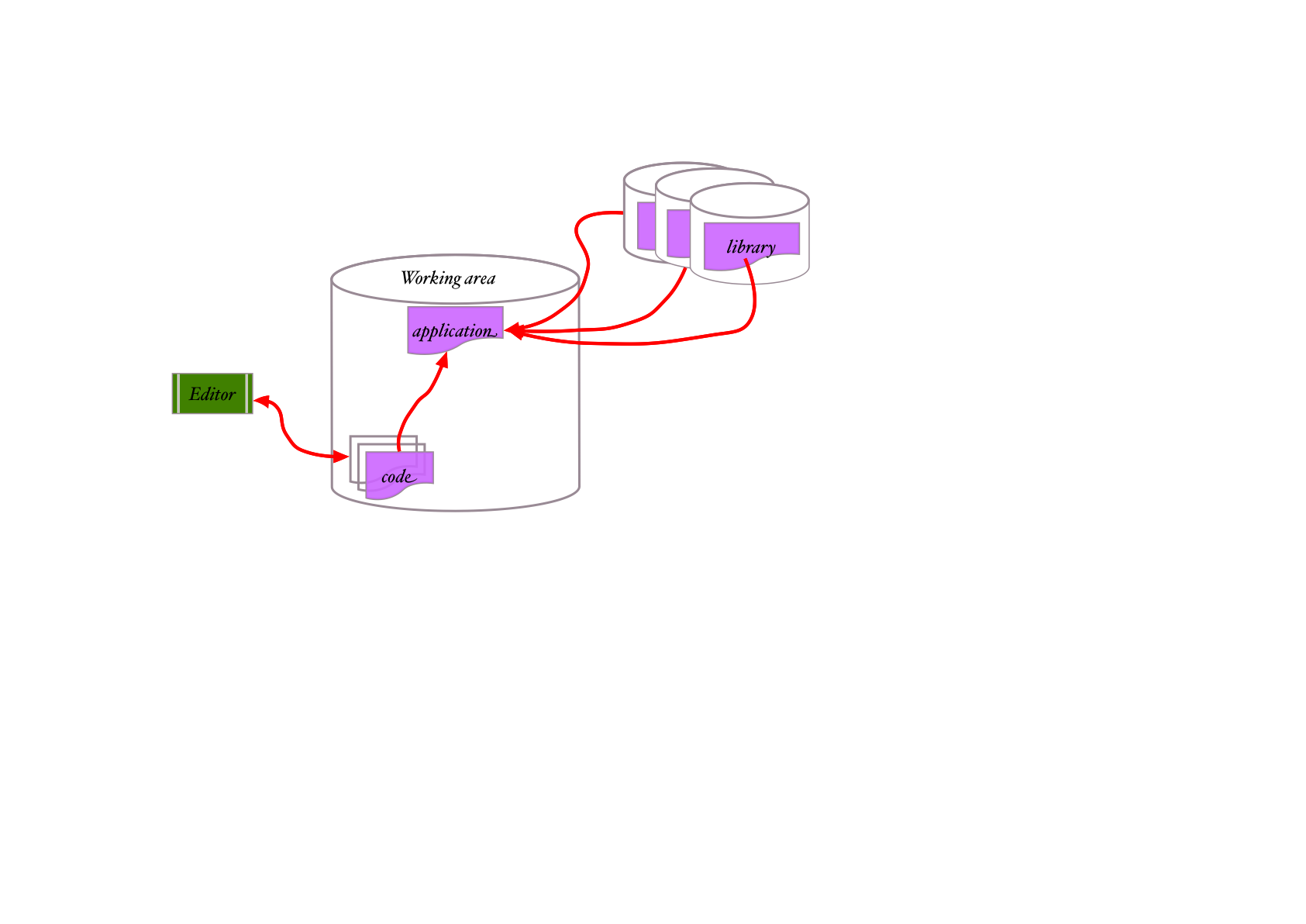
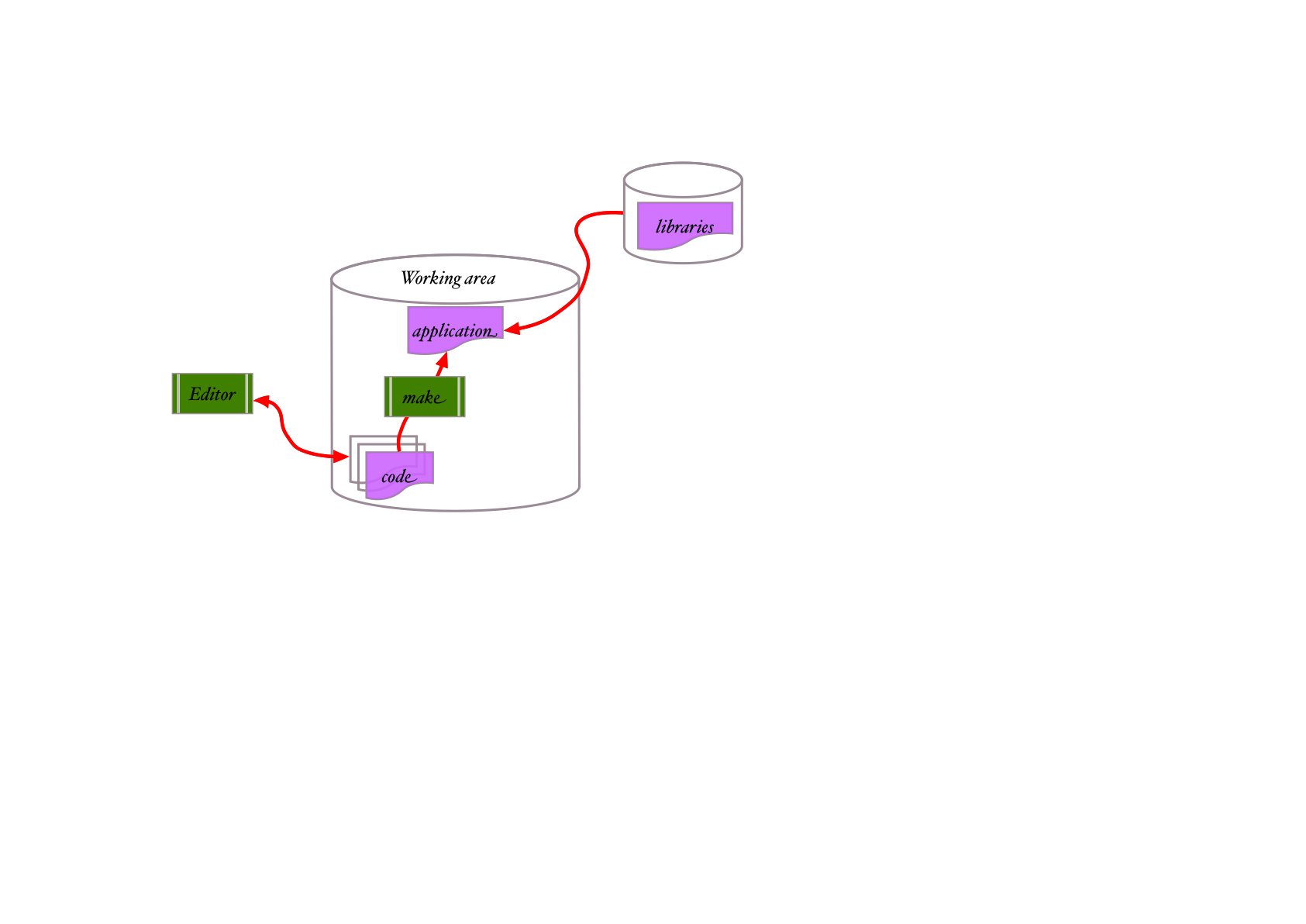
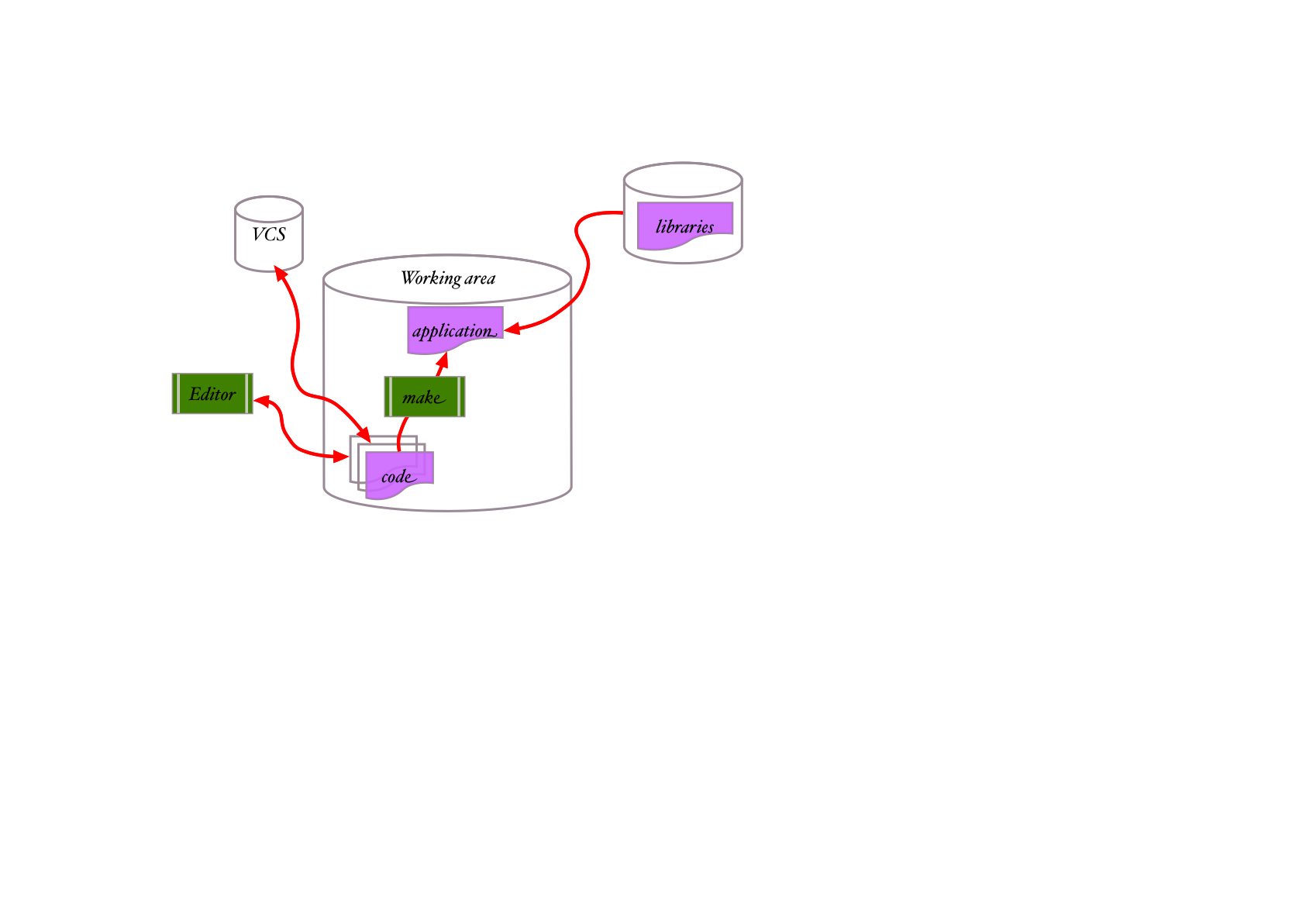
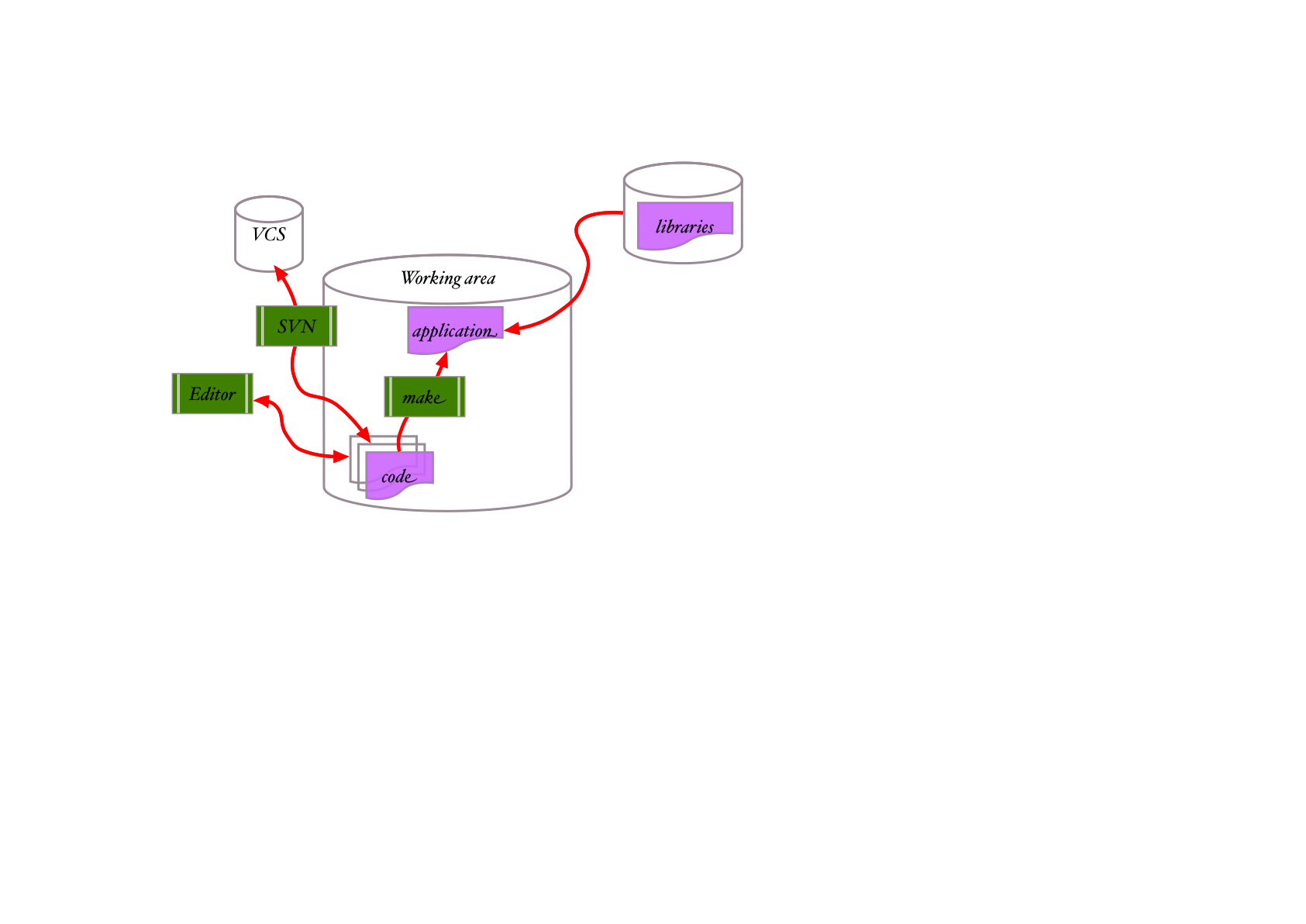
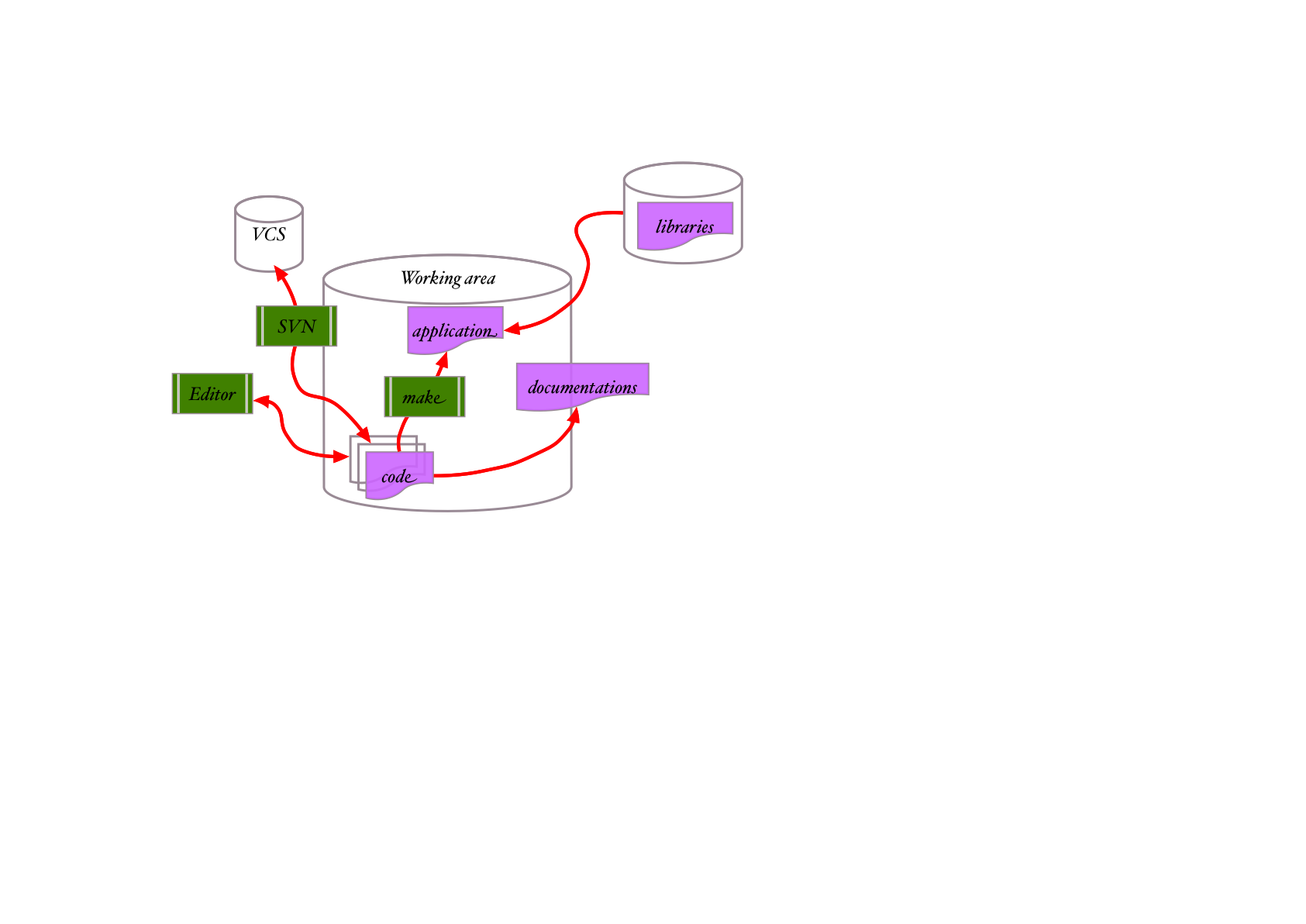
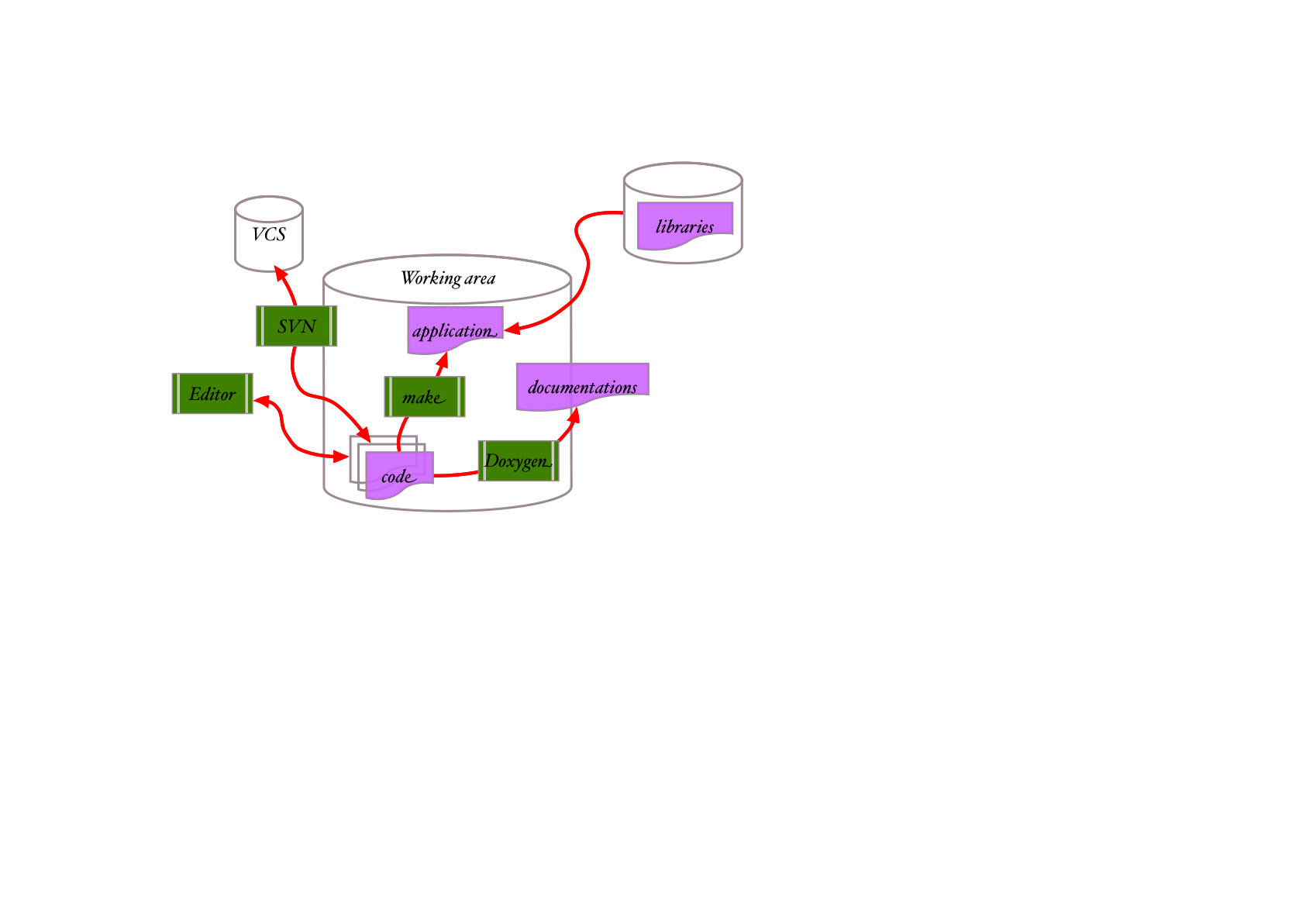
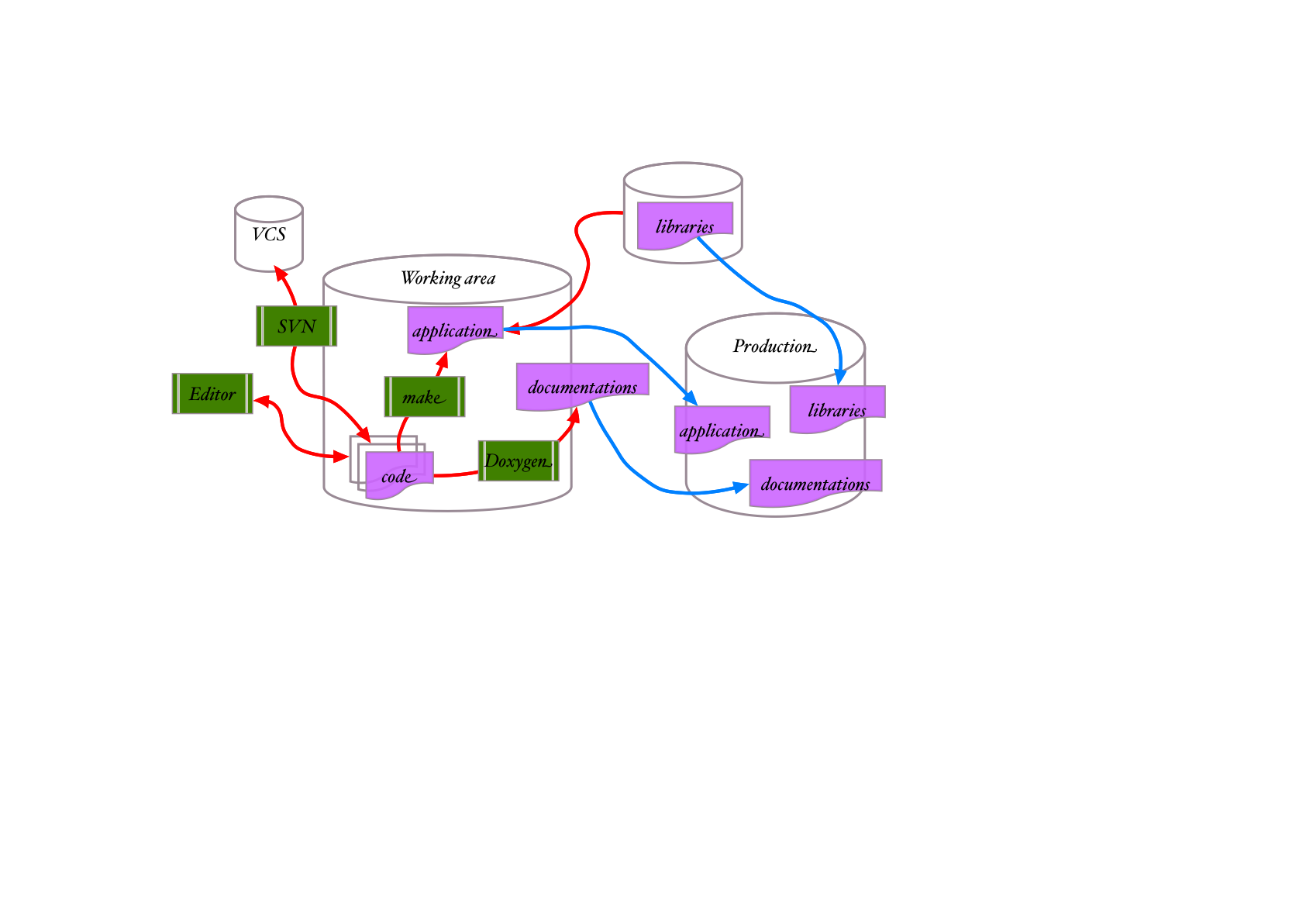
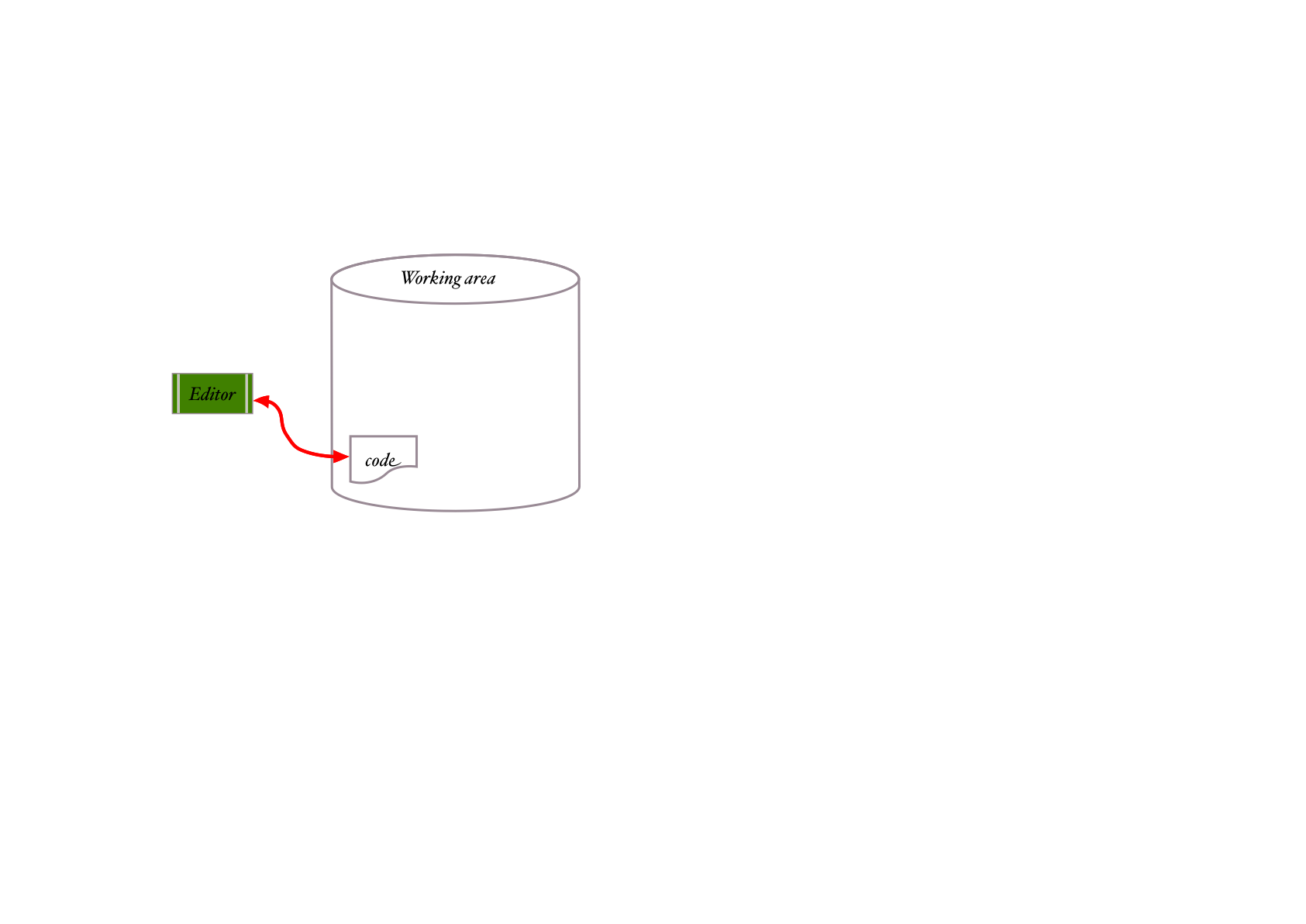
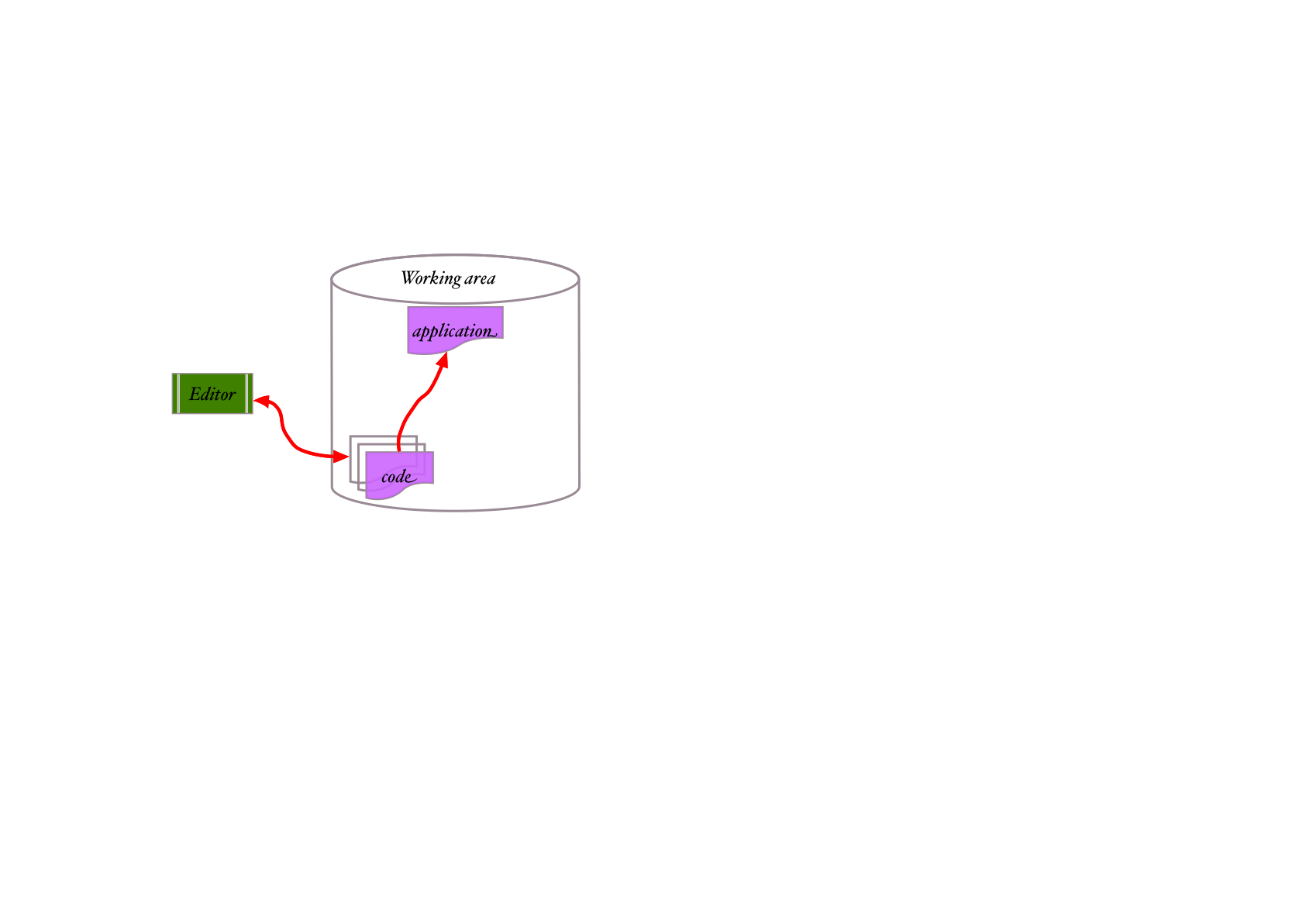
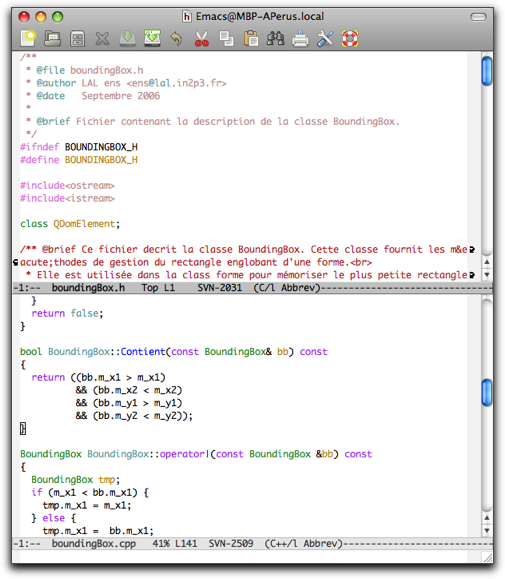
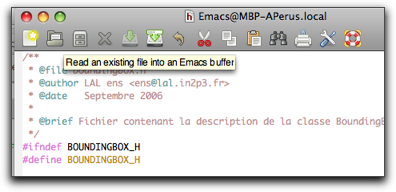
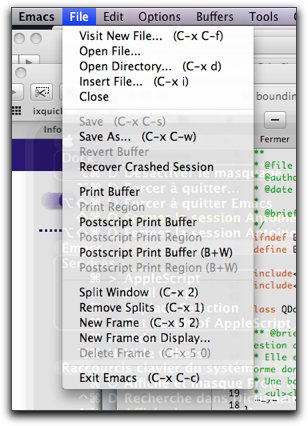
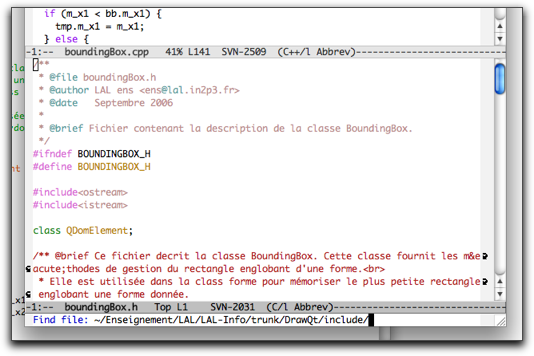
Editor is the basic tool with which we probably spend most of the time. Whether for coding, or writing documentation, reading ... or debugging ... we need:
It can be very complex and need some devoting learning time and effort ... but it's well worth it!
appli.exe : file_1.o file_2.o file_3.o
	<Link>

# Compilation rules
file_1.o : file_1.cxx
	<compilation>
file_2.o : file_2.cxx
	<compilation>
file_3.o : file_3.cxx
	<compilation>
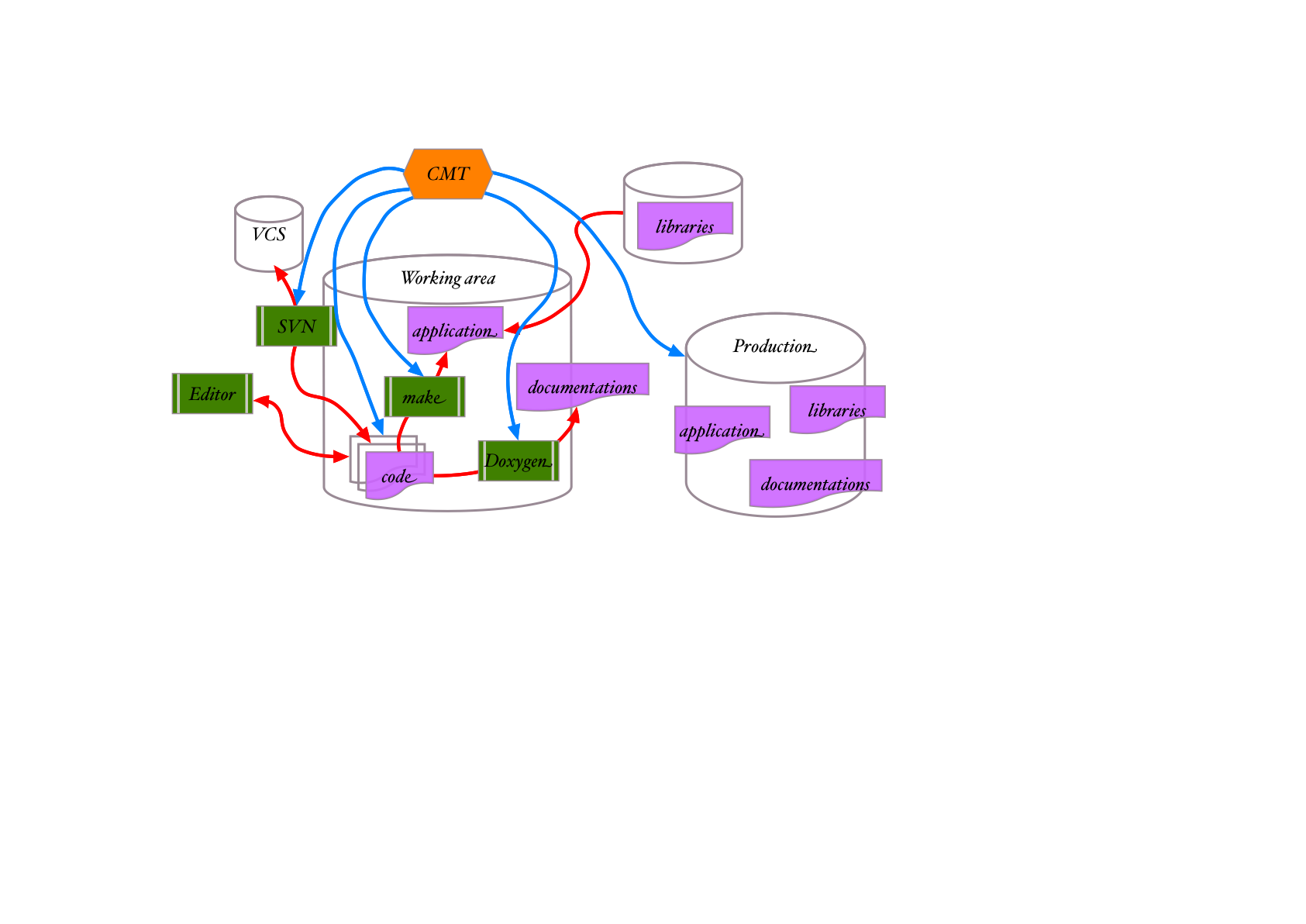
During this hands-on we'll never edit a Makefile for make. That will exclusively the job of CMT ...
CMT is acting on:
$> cd /my/working/space

$> cmt create mypackage v1
------------------------------------------
Configuring environment for package mypackage version v1.
CMT version v1r20p20090520.
Root set to /mon/espace/de/travail.
System is Darwin
------------------------------------------
Installing the package directory
Installing the version directory
Installing the cmt directory
Installing the src directory
Creating setup scripts.
Creating cleanup scripts.
$> cd /my/working/space

$> cmt create mypackage v1
$> tree mypackage
mypackage
`-- v1
    |-- cmt
    |   |-- Makefile
    |   |-- cleanup.csh
    |   |-- cleanup.sh
    |   |-- requirements
    |   |-- setup.csh
    |   `-- setup.sh
    `-- src

3 directories, 6 files
$> cd /my/working/space
$> cmt create mypackage v1
package mypackage
application hello hello.cxx
#include <iostream>
int main ()
{
  std::cout << "Hello!" << std::endl;
  return 0;
}
$> cmt make
$> cmt run ../$CMTCONFIG/hello.exe
Hello!
Questions?